
.com For Social Media and E-Commerce
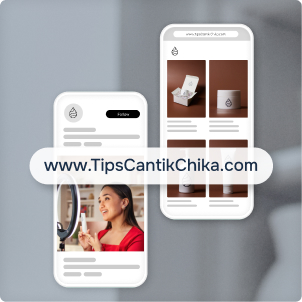
With domain forwarding, you can link to your online store or social media page from a memorable .com domain name.

Benefits of Domain Forwarding
Memorable Way To Market
A .com domain name is for more than just a website. With domain forwarding, you can give any online presence a memorable web address.

A Consistent Web Address
Get a custom .com web address that moves with your business, so even if you move your store, your customers will always be able to find you.
The Flexibility to Change
You can update the online destination a .com domain name sends visitors to at any time.


How To Forward Your Domain Name

Register a Domain Name
Start by registering a .com domain name through your preferred registrar.
Log In to Your Account
Log in and go to Manage Domain Names or click on the Domain Name tab.
Select the Domain Name
Select the domain name you wish to forward, look for the Domain Forwarding (also known as Redirect) option, and click Add New.
Paste the Destination URL
Paste your social media or e-commerce page URL into the Forward or Redirect Domain section.
Update DNS & Save
Make sure you update your DNS settings to support this change, then hit Save, and you’re done!
How Do I Use a .com?

.com for

.com for
Websites

Looking for More Resources?
Browse the Learning Hub to find all our articles, videos, and more on ways to use a .com.
Visit the Learning HubDiscover .com Domain Names
